Top/Learn/Movie Stack/一次補正
どんな時に使う?
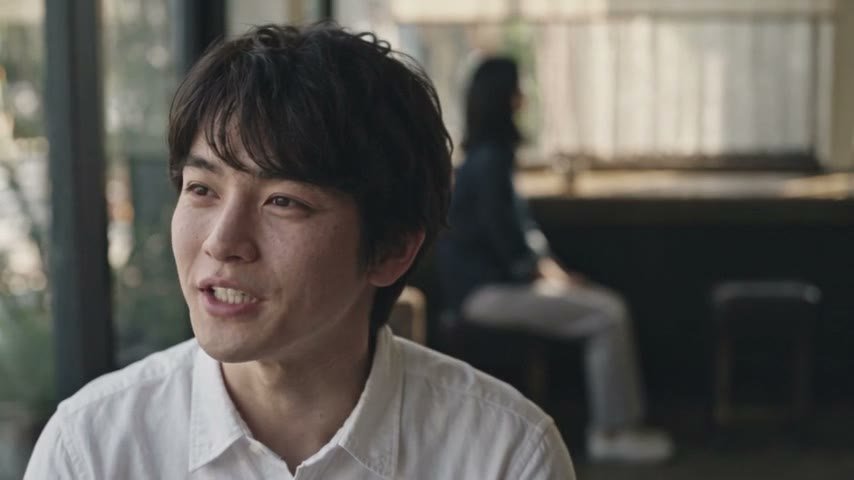
インタビュー

旅・vlog
商品紹介・CM
使うと、どう変わる?
くすんだ白が、白に戻る。
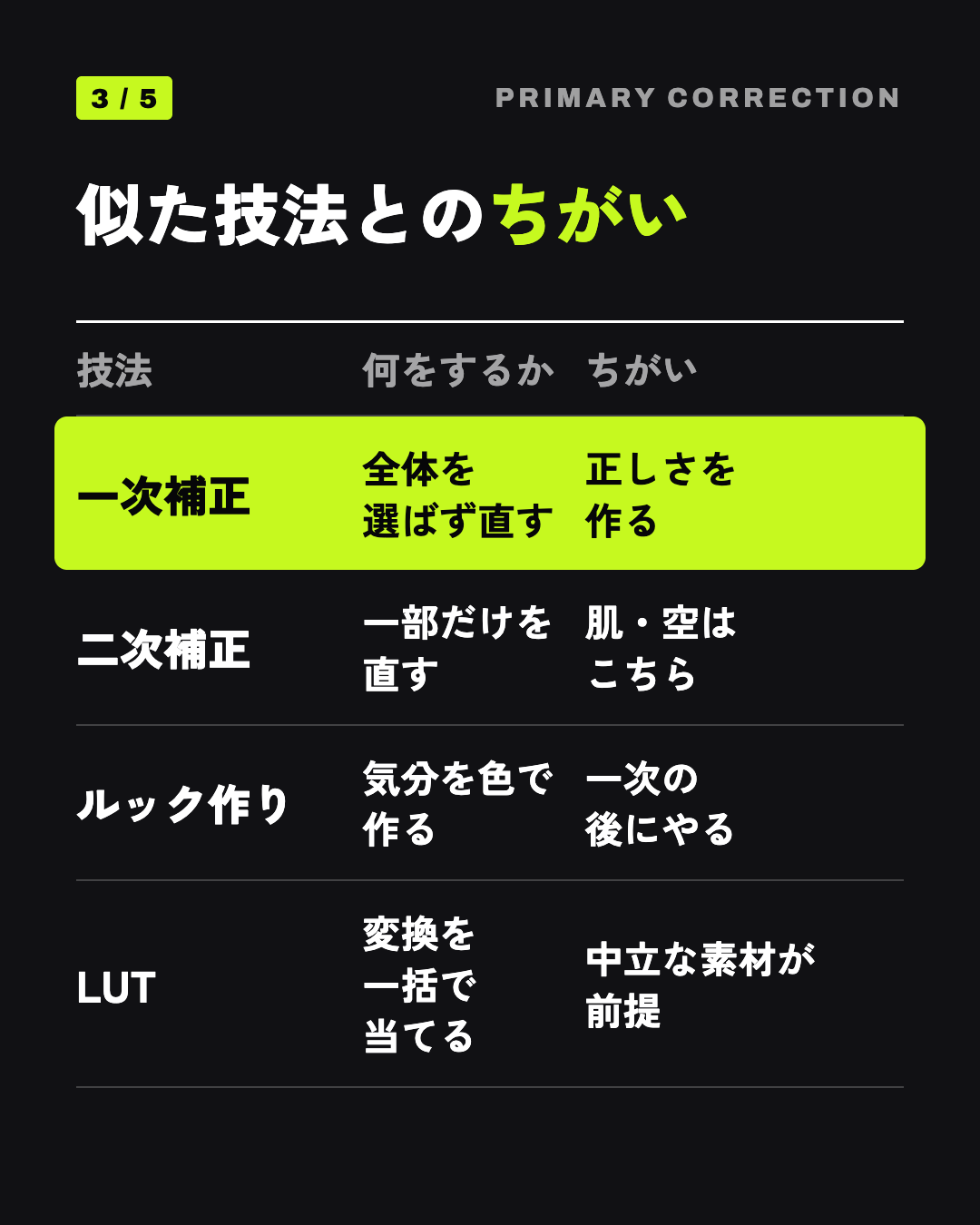
一次補正
白は白、黒は黒に置き直す


AI でどう作る?
STEP 1
中立の素材で出す
no color grade, no tint と書く
AI への指示Primary correction source: neutral, evenly exposed footage, natural white balance, true-to-life skin tones, no grade.
Primary correction source: neutral, evenly exposed footage, natural white balance, true-to-life skin tones, no grade. Character: the man from the character reference sheet: same face, small scar at the end of the left eyebrow, short slightly messy black hair, open plain dark-navy cotton overshirt jacket with one left chest pocket over a plain white crew-neck T-shirt, charcoal grey chinos, black plain sneakers. Location: a small old Japanese kissaten coffee shop with a dark wooden counter, worn leather stools and a window with lace curtains. 0.0s-2.0s: he sits at the counter reading a paperback book. 2.0s-3.5s: he closes it and puts it down. 3.5s-5.0s: he picks up a white coffee cup and drinks. Shot on a cinema camera with a 50mm lens, one window on the left as the only light source, real skin texture with pores, visible fabric fibers, paper fibers, white ceramic, cotton jacket. Natural, neutral color, no heavy grading. No text, no logos. Ambient sound: quiet coffee shop, cup on saucer.
STEP 2
白・灰・黒の手がかりを入れる
白い服や灰色の壁を画に 1 つ

白い服が基準
仕上げのひと手間は?
明るさや白の色はカットごとにばらつく。スコープを見て編集で戻す。
POINT 1
露出白コントラスト彩度
役割ごとにノードを分けて順に直す

前 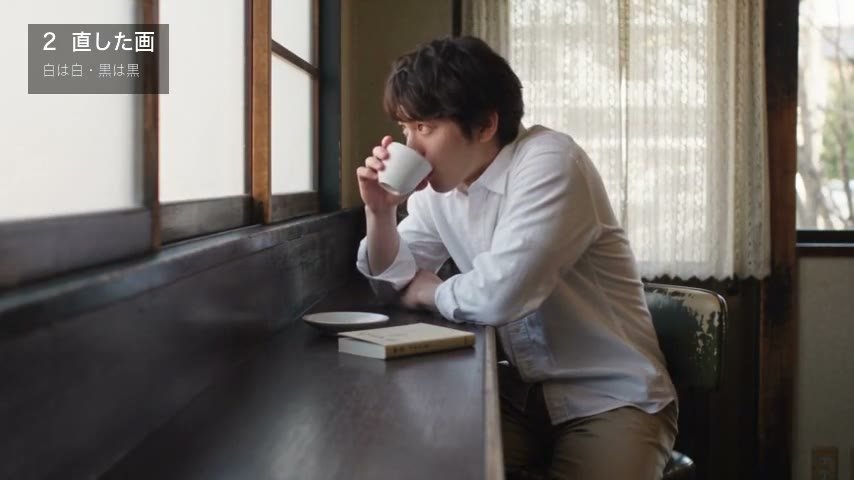
後 POINT 2
色かぶりはゲインで取る
ガンマをリニア、輝度ミックスを 0 に
よくある失敗は?
✕ よくある失敗
リフトで明るくし灰色に
○ こうする
HDR の Global で露出